

Free Video Editing Apps for Android: The Complete 2026 Guide
Smartphones have become full production studios. In Pakistan, more creators than ever cut their clips on a phone instead of a laptop. If you are looking for Free Video Editing Apps for Android, this RaazInfo guide covers the strongest options, with honest notes on watermarks, features and learning curve. Whether you make Reels, YouTube videos or simple family clips, one of these tools will fit.
Best Video Editing Apps for Android in 2026
The market is crowded, so choosing well saves time. The Best Video Editing Apps for Android share a few traits: a smooth timeline, reliable export, regular updates and a fair free plan. The top names this year are CapCut, VN, InShot, YouCut, KineMaster and PowerDirector.
When comparing Video Editing Apps for Android in 2026, look at export quality (1080p or 4K), effects and transitions, audio tools and available templates. Most Android Video Editing Apps now include AI features such as auto captions, background removal and beat sync. Always check each app’s current free-plan limits, because they change often.
Free Android Video Editor Options and the Best Free Video Editors
A Free Android Video Editor should not make you pay for basic tools like trimming, splitting, speed control and music. Three apps stand out among the Best Free Video Editors:
- CapCut: Strong templates, auto captions and many effects. Great for social media.
- VN Video Editor: A clean multi-track timeline with keyframes and no forced watermark.
- YouCut: Simple, fast and good for trimming, merging and compressing.
All three give you plenty of power without spending a rupee, which matters when budgets are tight.
Video Editing Apps Without Watermark
A logo stamped on your video looks unprofessional, and many creators avoid it for that reason. The good news is that several Video Editing Apps Without Watermark exist. VN and YouCut are widely known for exporting clean videos on their free plans. CapCut adds a small end clip that can usually be removed with one tap.
If you want an Android Video Editor Without Watermark, read the export screen before you save. Some apps, like KineMaster and PowerDirector, may add a watermark unless you subscribe or watch an ad. Policies change, so test a short clip first.
Free Video Editing Apps for Beginners
New to editing? Choose Free Video Editing Apps for Beginners with a simple layout and clear icons. InShot is a favorite because everything sits in one bottom toolbar: trim, split, filters, text, music and speed.
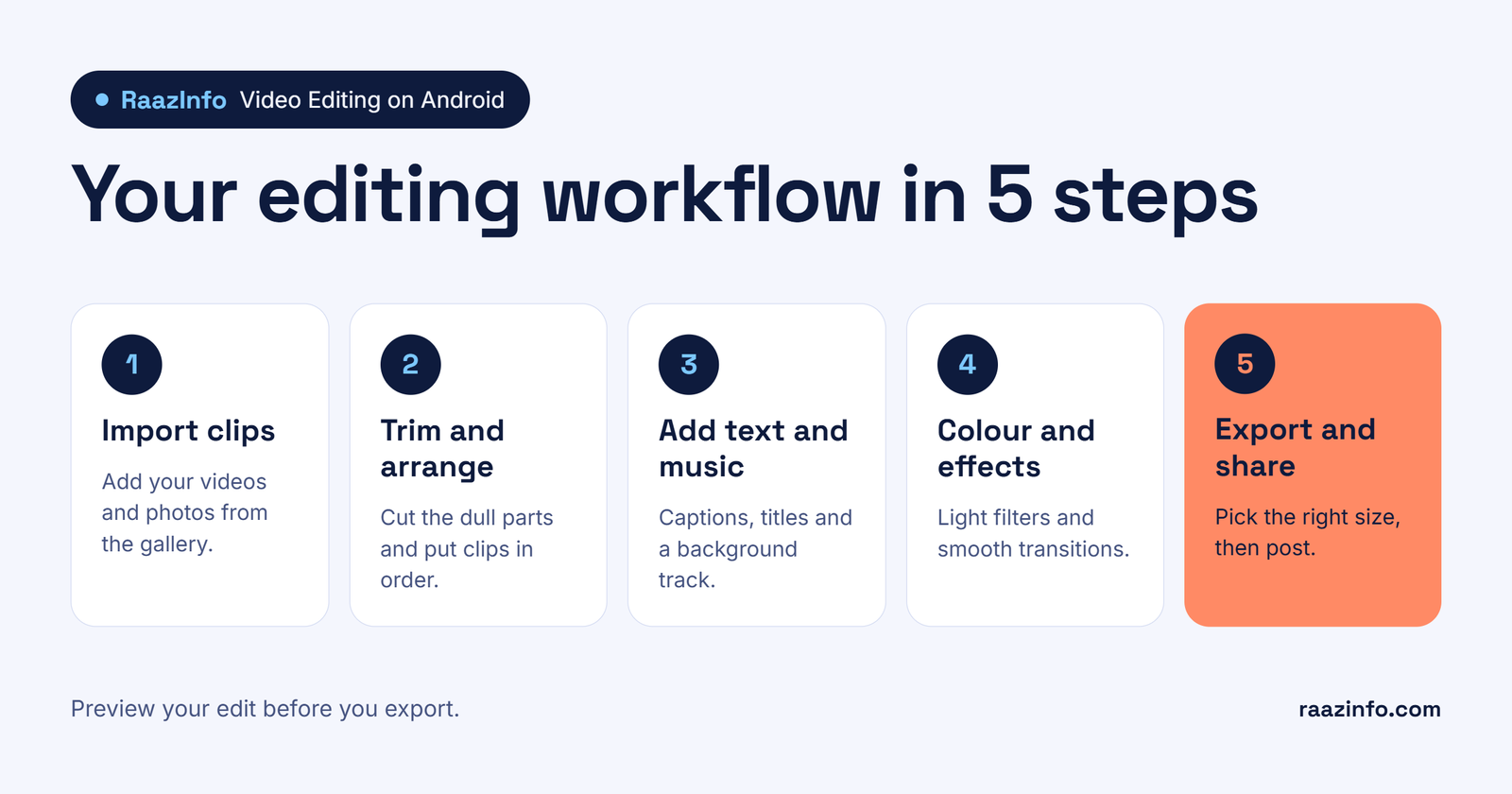
The best Easy Video Editing Apps also offer templates and drag-and-drop tools, so you can finish a video in minutes. Start with one app, learn five basic skills (cutting, text, music, transitions and export) and add advanced tools later. Jumping between many apps early on only slows your progress.
Best Editing Apps for Reels
Short vertical video rules Instagram, Facebook and TikTok-style platforms. The Best Editing Apps for Reels make quick cuts and trending effects easy. CapCut leads here with ready-made templates, auto beat sync and caption tools. VN and InShot are also strong, thanks to their 9:16 canvas presets and smooth speed ramps.
Keep Reels under 30 seconds when possible, hook viewers in the first two seconds and add captions, since many people watch with the sound off.
Mobile Video Editing Apps and Free Video Editing Software for Android
Mobile Video Editing Apps now match what desktop software offered a few years ago. You can cut on a multi-track timeline, color grade, add keyframes and export in high resolution, all from your pocket. This is why Free Video Editing Software for Android appeals to students, freelancers and small business owners who lack a powerful computer.
A mid-range phone with 6GB of RAM and enough storage handles most of these apps. Clear your cache regularly and keep your project files small so editing stays smooth.
Video Editing Apps for YouTube
YouTube needs more than short clips. Video Editing Apps for YouTube should support horizontal 16:9 video, longer timelines, voiceover recording and clean audio. KineMaster and PowerDirector offer these tools, and VN handles long projects well too. Add a custom thumbnail separately with a design app, and use the app’s noise reduction to improve your voice.
For consistent channels, pick one app and build a repeatable workflow: import, rough cut, music, text, export. It saves hours each week.
Professional Video Editing Apps for Android
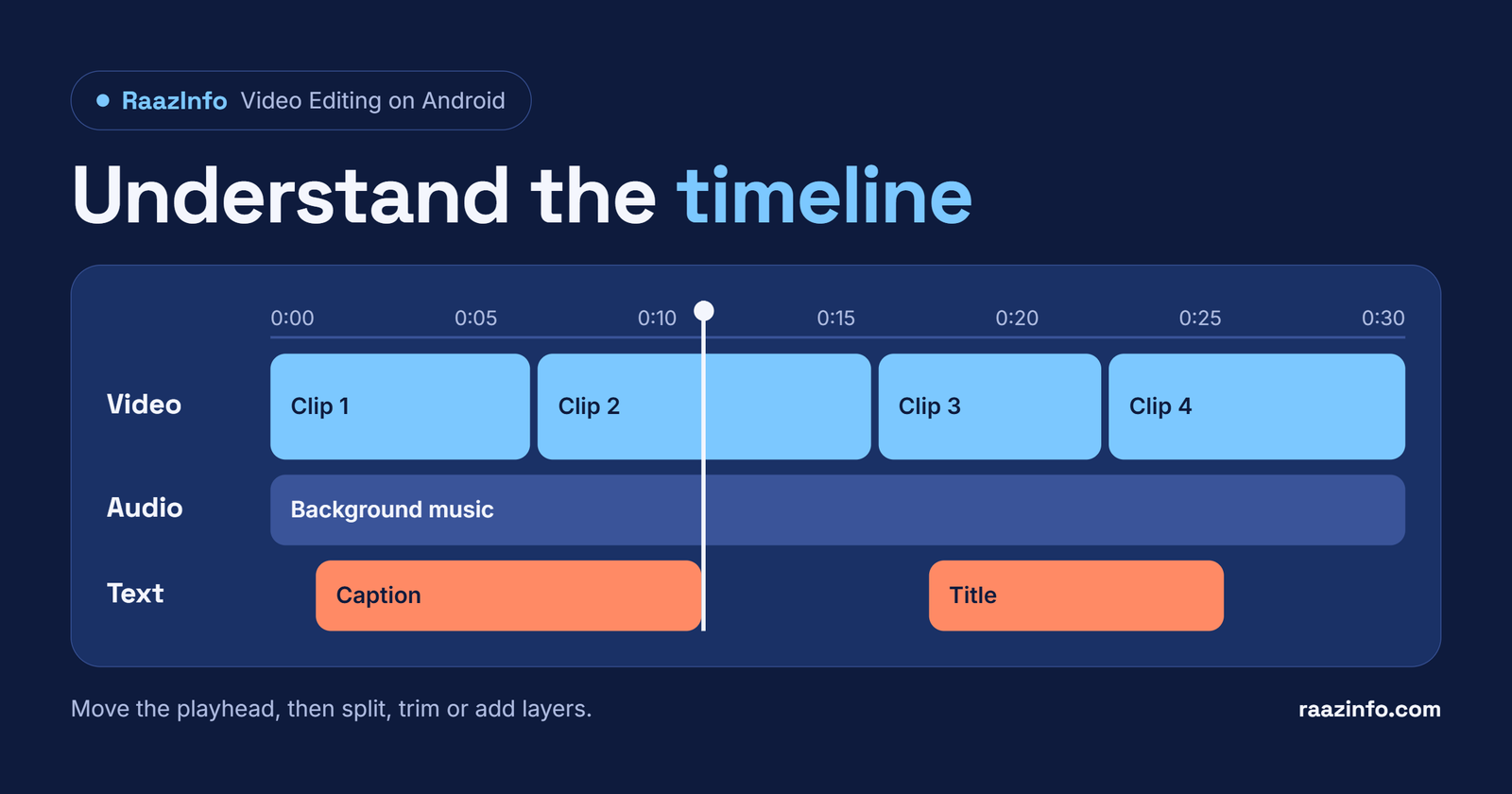
Serious editors want precision. Professional Video Editing Apps for Android offer multi-layer timelines, keyframe animation, chroma key (green screen), color curves and audio mixing. KineMaster, PowerDirector and VN Pro-style tools fit this need. Adobe Premiere Rush is another option for creators who also use Adobe’s ecosystem.
Many of these apps put their top features behind a subscription, but the free versions are still enough to learn professional techniques before you pay.
Best Video Editing Apps for Content Creators
The Best Video Editing Apps for Content Creators balance speed, quality and cost. A common setup in Pakistan looks like this: CapCut for quick social posts, VN for polished long-form videos and YouCut for fast compression before uploading on slow internet. This combination covers almost every task.
Whatever you pick, back up your projects, use royalty-free music to avoid copyright strikes and keep your branding consistent across videos.
Quick Tips Before You Download
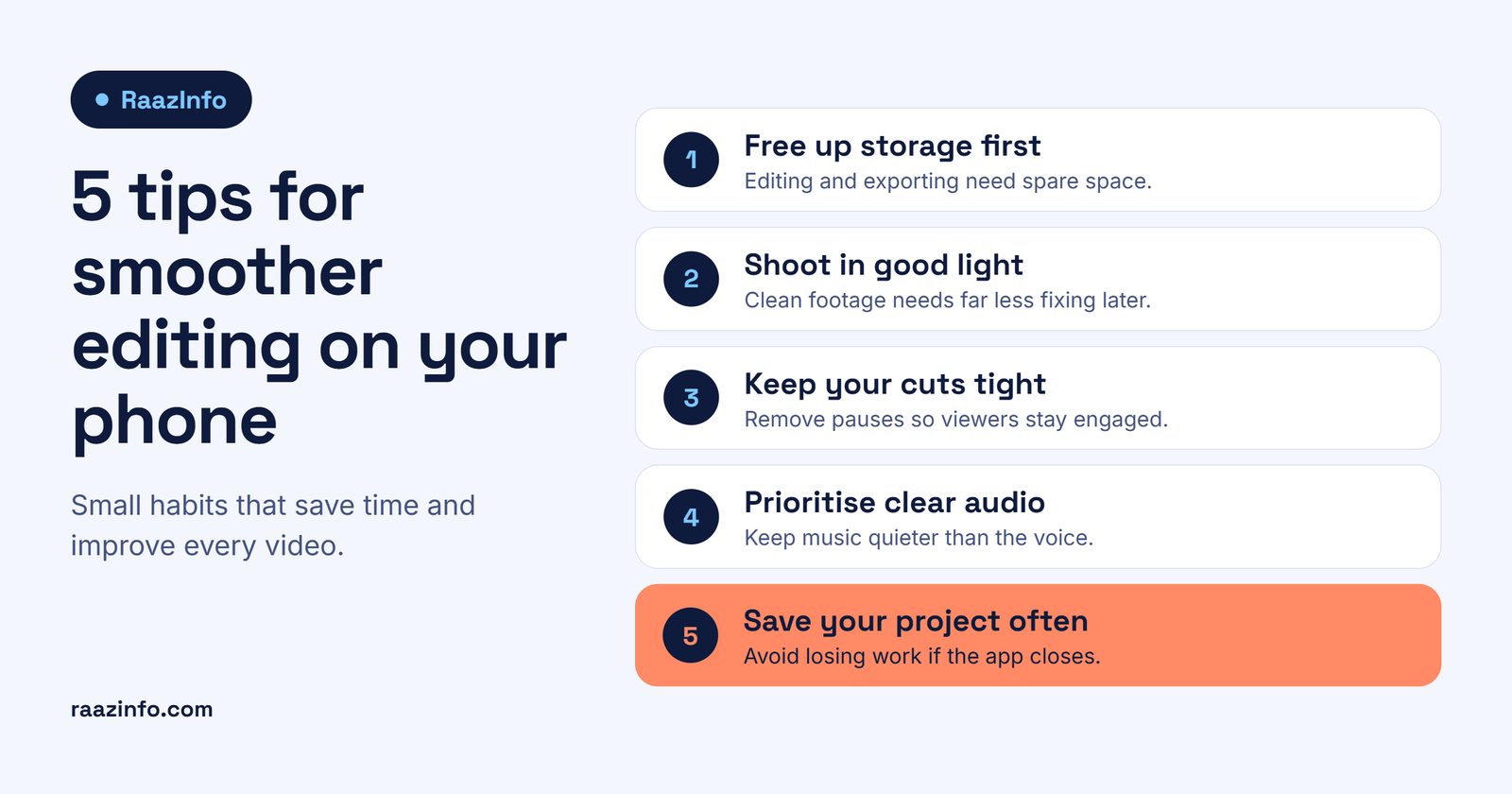
- Download only from Google Play or the official developer site to avoid unsafe modified APKs.
- Test export quality and watermark behavior on a short clip.
- Check storage and RAM requirements first.
- Read recent reviews, since updates can change free features.