
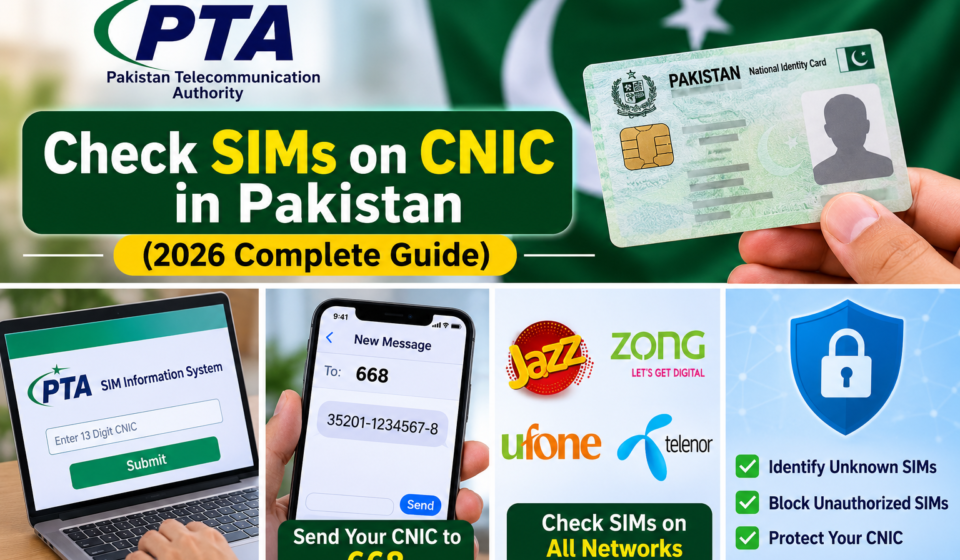

Your name and CNIC may be linked to SIM cards you have never used. Many people in Pakistan only find out when a mobile network blocks a number or a fraud case shows up. Knowing how to Check SIMs on CNIC protects you from identity misuse, illegal activity and unnecessary legal trouble. This guide covers the official methods, what to do if you find an unknown number, and how to keep your CNIC safe.
Why You Should Check SIMs on CNIC
Fraudsters use stolen or copied CNIC details to register SIMs, which they then use for scams, harassment, online fraud and illegal activity. If a SIM registered in your name is involved in a crime, you could be the first person questioned. A regular CNIC SIM Check takes about a minute and helps you:
- Spot SIMs you never registered
- Avoid being linked to criminal activity
- Stay within the legal SIM limit
- Close unused numbers before they cause problems
Understanding the SIM Information System Pakistan
The SIM Information System Pakistan is the Pakistan Telecommunication Authority’s (PTA) database that links every active mobile connection to the CNIC it was issued against. All mobile operators, including Jazz, Telenor, Zong and Ufone, feed data into it. This lets the regulator, and you, see how many connections exist under one identity.
Because it is a national database, one CNIC check shows your connections across all networks, not just one operator. That is why it is the most reliable way to Check SIMs on CNIC.
Number of SIMs Registered on CNIC: What Is the Limit?
PTA limits the Number of SIMs Registered on CNIC. At the time of writing, an individual can generally hold up to 5 mobile SIMs on a single CNIC, though the exact policy can change. Please confirm the current limit on the official PTA website.
Registering more than the allowed number is not possible through legitimate channels. If you find more SIMs than you remember, some were likely issued fraudulently or are leftovers from old connections you never closed.
How to Check SIMs Online and by SMS
There are two common ways to perform a CNIC SIM Check.
Method 1: Check SIMs Online Through PTA
To Check SIMs Online, use PTA’s official tools:
- Open the official PTA website (pta.gov.pk) and look for the SIM verification or consumer services section.
- Enter your 13-digit CNIC number without dashes.
- Submit the request and, if prompted, complete the verification step.
- Review the result, which shows the numbers registered against your CNIC.
Only use the official PTA website. Fake lookup sites exist, and entering your CNIC on an unofficial page can expose your data.
Method 2: PTA SIM Verification by SMS
If you prefer your phone, PTA SIM Verification is also available by text message:
- Open your SMS app.
- Type your 13-digit CNIC number without dashes or spaces.
- Send it to 668.
- You will receive a reply showing the count of SIMs registered on that CNIC.
Standard SMS charges may apply, and the response can take a few moments. This is the fastest way to find the Number of SIMs Registered on CNIC without internet access.
What to Do If You Find Unknown SIMs
If the result shows numbers you do not recognize, act quickly:
- Note the number of unknown SIMs and check whether any belong to family members who registered them using your CNIC.
- Report the unfamiliar numbers through the PTA’s official reporting channels (the service tied to 668 and PTA’s complaint system) so they can be reviewed and blocked.
- Visit a franchise or service center of the relevant network with your original CNIC to request closure of any SIM you do not own.
- File a complaint with the FIA’s cybercrime wing if you believe your identity was used for fraud.
Keep records of your complaints and any reference numbers in case you need them later.
Tips to Protect Your CNIC from Misuse
A regular CNIC SIM Check is only part of staying safe. A few habits go a long way:
- Never share photos of your CNIC over WhatsApp or social media unless it is truly necessary.
- When you must share a copy, write the purpose and date across it.
- Do not give your CNIC or fingerprint to unauthorized sellers.
- Close any SIM you no longer use at an official service center.
- Repeat the check every few months, especially after losing your CNIC or phone.
Biometric verification is mandatory for SIM registration, so a legitimate seller will always ask for it. Be cautious of anyone offering “quick” SIMs without it.
Frequently Asked Questions
Is it free to Check SIMs on CNIC?
The online method is free, while the SMS method may carry standard network charges.
Can I check SIMs registered on someone else’s CNIC?
You should only check your own CNIC or that of a family member with their consent.
How often should I do a CNIC SIM Check?
Every three to six months is a sensible routine, and immediately after any suspicious activity.
Will the result show all networks?
Yes. The SIM Information System Pakistan covers every mobile operator, so one check is enough.