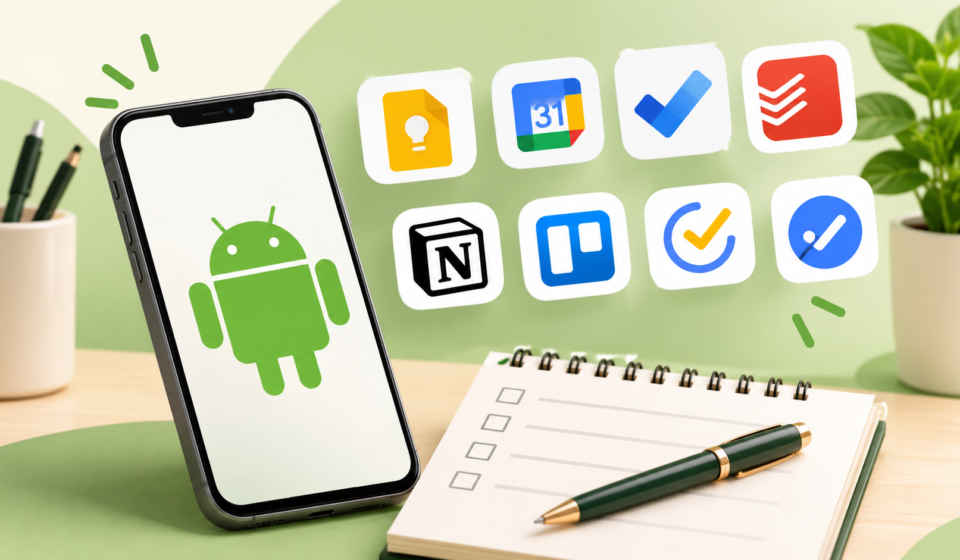

Your phone can be your biggest distraction or your best work tool. The difference comes down to which apps you install and how you use them. This guide covers the Best Productivity Apps for Android Users in 2026, grouped by what you need: organizing tasks, managing time, saving money, studying, and planning your day. Every app below is available on Google Play, so you can try it today.
Best Android Productivity Apps
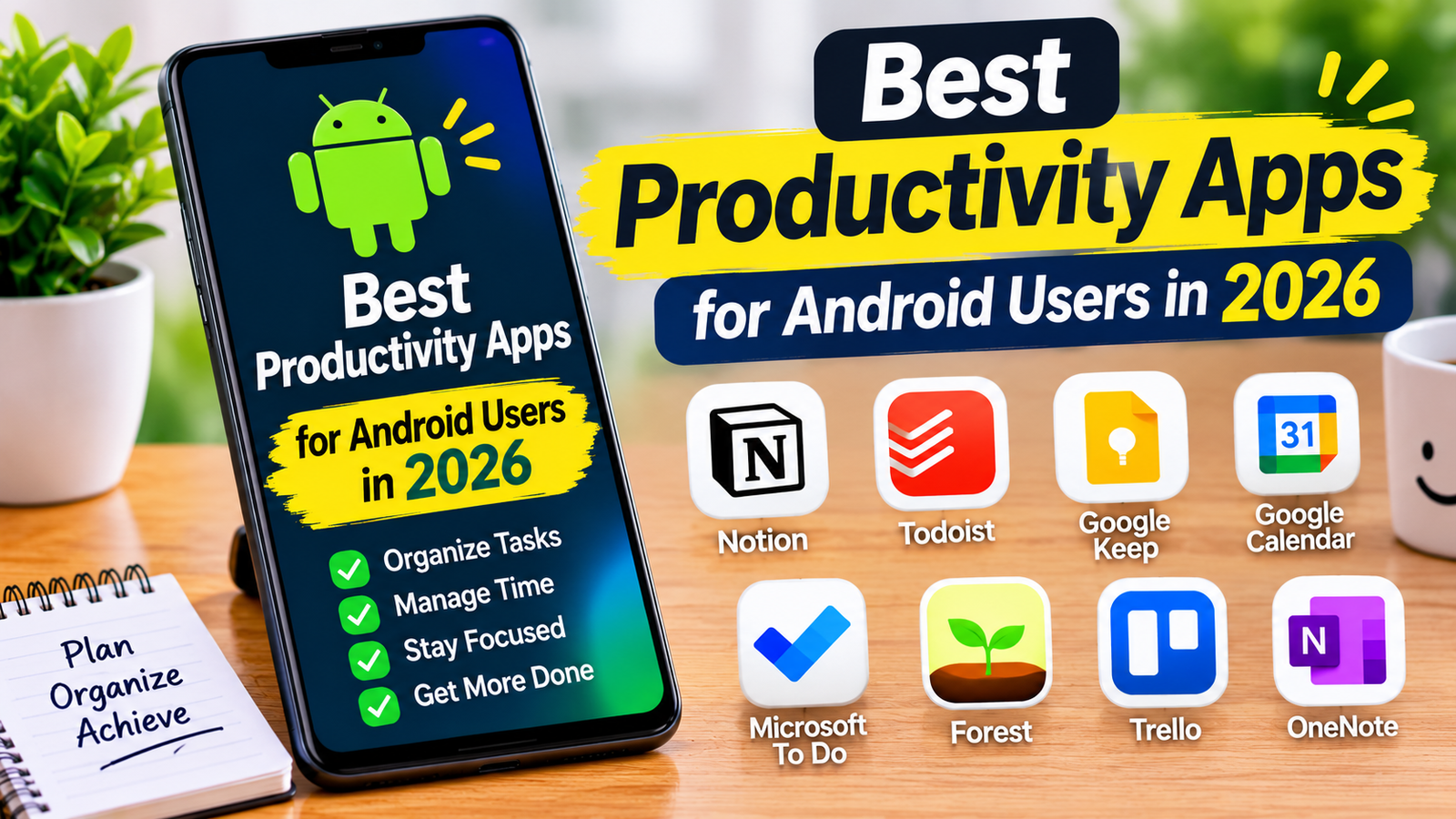
The best Android productivity apps share three traits: they sync across devices, they load fast, and they stay out of your way. Todoist, TickTick, Notion, and Google Keep meet all three. Todoist is clean and quick for capturing tasks in plain language. TickTick bundles tasks, a calendar, habits, and a focus timer in one app. Notion works as a notebook, database, and project board in one place. Google Keep is the fastest option for quick notes, voice memos, and checklists.
Start with one or two of these rather than installing ten. An app you use daily beats five you forget.
Productivity Apps for Android
The strongest productivity apps for Android take advantage of what the platform does well: widgets, notifications, and deep integration with Google services. A home-screen widget for your to-do list means you see your priorities every time you unlock your phone. Google Calendar, Google Tasks, and Gmail work together with almost no setup, which makes them a solid foundation.
If you prefer other ecosystems, Microsoft OneNote and Microsoft To Do both have polished Android apps with cloud sync. Pick the tools that match where your files and email already live, and you will spend less time switching between apps.
Android Task Management Apps
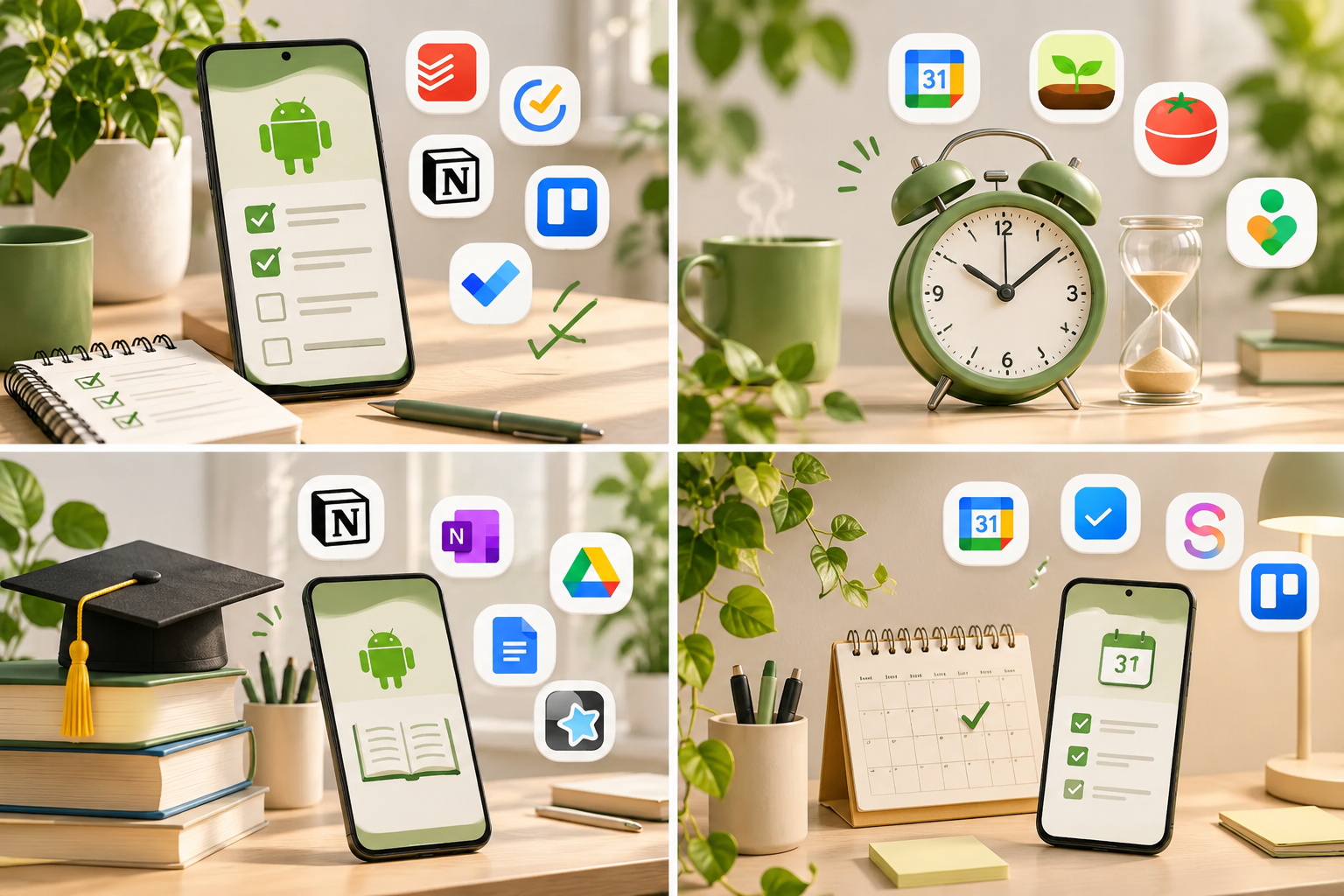
Good Android task management apps turn a messy mental list into a clear plan. Look for subtasks, due dates, recurring reminders, and priority labels. Todoist and TickTick handle all of these well. Microsoft To Do is simple and works nicely with Outlook. Any.do adds a daily planner view that nudges you to schedule tasks, and Trello suits team projects with its card-and-board layout.
A practical habit is to capture everything in one inbox, then spend five minutes each morning choosing your top three tasks. Most Android task management apps support this workflow with a “today” view or priority flags.
Best Apps for Time Management
Tasks tell you what to do, but the best apps for time management help you decide when. Google Calendar is the baseline, since time-blocking your tasks into calendar slots makes a plan realistic. Forest helps you stay off your phone by growing a virtual tree while you focus. Focus To-Do combines a Pomodoro timer with a task list, working in 25-minute bursts followed by short breaks.
For an honest picture of where your hours go, Android’s built-in Digital Wellbeing shows screen time per app and lets you set daily limits. Pair a timer app with those limits, and you will quickly see which habits are costing you time.
Free Productivity Apps
You do not need to spend money to get organized. Many free productivity apps are good enough for daily use. Google Keep, Google Tasks, Google Calendar, and Microsoft To Do are free with no meaningful limits. Todoist, TickTick, Notion, and Trello offer generous free tiers that cover personal use.
Paid plans usually add extras like reminders, file attachments, or team features. Test the free version for a few weeks first, and upgrade only if you hit a limit that genuinely slows you down. Plans and pricing change, so check the Google Play listing before you commit.
Android Apps for Students
Students juggle lectures, deadlines, group work, and exams, so the right Android apps for students matter. Notion works well for organizing class notes, reading lists, and assignment trackers. Microsoft OneNote handles handwritten notes and typed lecture content with easy sectioning by subject. Google Drive and Google Docs make group projects painless with real-time collaboration.
For revision, Anki (flashcards with spaced repetition) is a favorite among students. Add Forest or a Pomodoro timer to stay focused during study sessions. Many of these apps are free, which suits a student budget.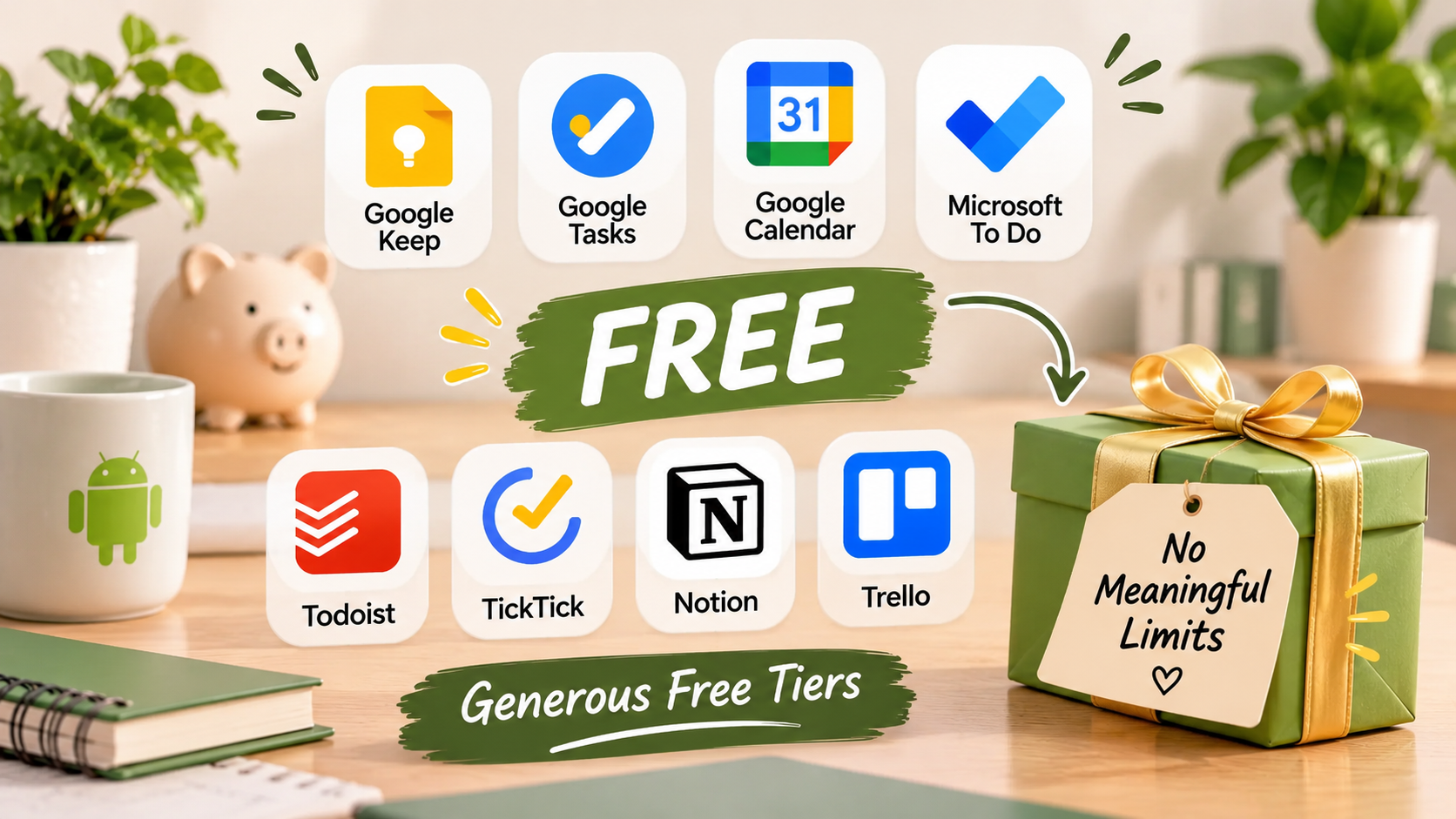
Daily Planner Apps
A planner turns good intentions into a schedule. The best daily planner apps let you see your day at a glance and adjust it as things change. Structured displays your tasks on a visual timeline, which makes it easy to spot overloaded days. TickTick and Any.do include built-in daily views, and Google Calendar works well if you prefer time-blocking.
Try this routine: each evening, list tomorrow’s three must-do tasks and give each a time slot. In the morning, open your daily planner apps of choice and follow the plan, leaving a little buffer for surprises. After a week, adjust based on what actually fit into your day.